

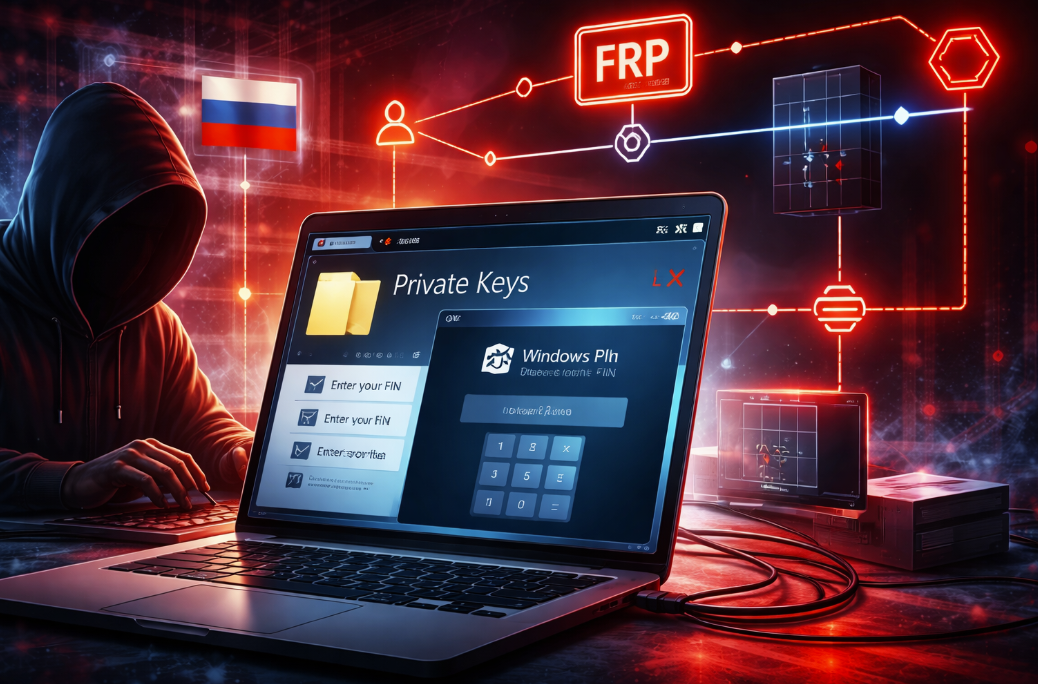
Cybersecurity researchers have uncovered a previously undocumented Russian-origin remote access framework dubbed CTRL that is being delivered through weaponized Windows shortcut files disguised as private-key folders. According to Censys, the toolkit is a custom-built .NET post-exploitation package designed for credential theft, keylogging, Remote Desktop Protocol hijacking, and covert operator access through Fast Reverse Proxy tunnels.
The toolkit was recovered from an open directory in February 2026 after Censys identified a malicious LNK file named “Private Key #kfxm7p9q_yek.lnk”. The file uses a standard folder icon to increase the chance that a victim will treat it as a harmless directory rather than as an executable shortcut. Once launched, the shortcut starts a multi-stage infection chain that invokes hidden PowerShell, clears existing Startup-folder persistence, decodes an in-memory blob, and checks connectivity to hui228[.]ru:7000 before downloading additional payloads.
Censys says the infrastructure behind CTRL was active at the time of publication and that the toolkit’s relay infrastructure had been observed on two IP addresses tied to hosting in Frankfurt. The researchers also noted that the malware artifacts were not present in public repositories such as VirusTotal and Hybrid Analysis when the report was written, suggesting the framework was either privately developed or still in limited circulation.
What makes CTRL stand out is not just the feature set, but the way the operator minimizes traditional command-and-control exposure. One downloaded component, ctrl.exe, acts as a .NET loader and can operate in either server or client mode depending on how it is launched. According to Censys, communication between the operator-facing logic and the victim-side implant occurs through a Windows named pipe, meaning command traffic remains local to the compromised host while the attacker interacts through an RDP session tunneled over FRP. In practical terms, the network may only show the tunnel and the remote desktop connection rather than a classic malware beacon pattern.
The toolkit includes several modules aimed at both access and credential theft. Researchers documented a credential harvesting component built as a Windows Presentation Foundation application that imitates a legitimate Windows Hello PIN prompt. The phishing window reportedly displays the victim’s real account details, blocks common escape shortcuts such as Alt+Tab and Alt+F4, and validates the entered PIN against the real Windows authentication flow through UI automation. If the PIN is correct, the victim still remains trapped in the fake flow while the credential is logged for the attacker.
Additional functionality includes continuous keystroke capture to C:\Temp\keylog.txt, firewall-rule changes, scheduled-task persistence, creation of local backdoor accounts, and the launch of a shell service on port 5267 exposed through the FRP tunnel. Two other payloads highlighted by the researchers are FRPWrapper.exe, a Go DLL used to establish reverse tunnels for RDP and raw TCP access, and RDPWrapper.exe, which enables unlimited concurrent RDP sessions on the infected machine. Censys also found automated patching of termsrv.dll and Defender exclusions associated with the toolkit’s remote access workflow.
The report further describes browser-notification impersonation capabilities that can send toast notifications styled as popular Chromium-based browsers including Chrome, Edge, Brave, Opera, Vivaldi, Yandex, and others. That broad impersonation capability gives the operator another mechanism to socially engineer users into entering credentials or launching follow-on payloads after the initial compromise.
From a defender’s perspective, CTRL is notable because it reflects a shift toward purpose-built, operator-centric access kits that emphasize operational security over mass-market flexibility. Rather than relying on noisy beaconing, the actor appears to prefer reverse tunnels, hands-on-keyboard RDP control, local named-pipe communications, and staged in-memory loading. That architecture can reduce obvious network artifacts and complicate detection strategies that focus narrowly on outbound malware callbacks. This interpretation follows directly from Censys’ finding that “nothing traverses the network except the RDP session itself” apart from the tunnel setup.
For enterprises, the case is another reminder that LNK files remain a highly effective intrusion vector when paired with convincing naming and icon abuse. Security teams should pay close attention to shortcut execution from user-writable locations, unexpected hidden PowerShell launches, scheduled-task creation, unauthorized local-user creation, RDP configuration changes, abnormal termsrv.dll modifications, and outbound connections associated with FRP infrastructure. Because the operator appears to rely on interactive desktop access, defenders should also monitor for unusual concurrent RDP sessions and security-control changes that enable long-lived access after the initial phishing stage. These recommendations are an inference based on the behaviors documented by Censys.
At a strategic level, CTRL shows how modern intrusion tooling is becoming more selective, more modular, and more conscious of forensic visibility. The malware does not need an elaborate cloud-based control plane if the attacker can quietly phish a Windows PIN, tunnel in through FRP, and operate over RDP with minimal telemetry. That makes this campaign especially relevant for blue teams defending high-value Windows endpoints where interactive access, rather than smash-and-grab malware deployment, may be the real objective.